Results
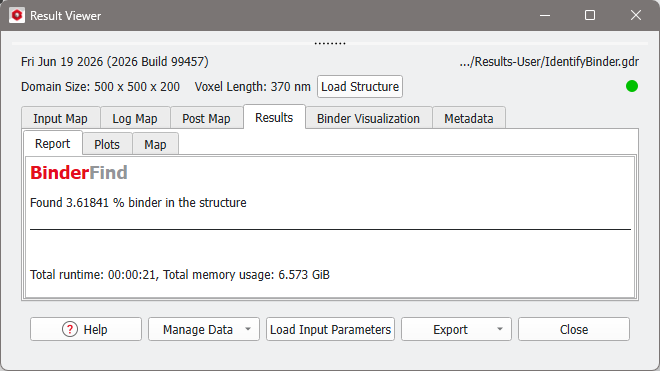
At the end of the computation, the Result Viewer of the IdentifyBinder.gdr result file appears automatically. If the binder identification was not run, select File → Open Results (*.gdr) and navigate to the tutorial folder Standardized-microstructure-analysis-of-a-cathode-material and load the 2_IdentifyBinder_M2M.gdr result file from the Results-M2M folder.
In the Result Viewer under the Results-Report tab the amount of binder can be found. The binder identification has found binder with a volume fraction of 3.6%.
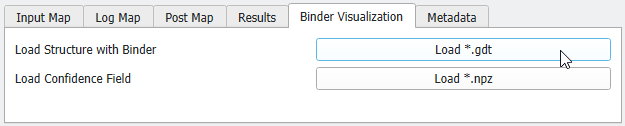
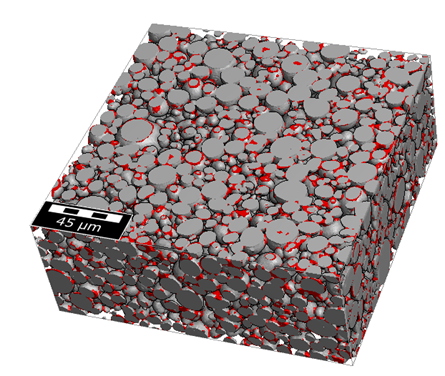
To visualize the identified binder in 3D, select the Binder Visualization tab and click Load *.gdt. The structure with binder labeled as material ID 02 is loaded in GeoDict. For the visualization settings used in this tutorial see here.